The Rain Design mStand is a single-piece aluminum laptop riser that lifts screens roughly 5.9 inches to eye level. Highly praised by verified owners for its rock-solid build and sleek finish matching MacBooks, it offers excellent ergonomics and built-in cable management, though its fixed height and premium price mean users must commit to using an external keyboard and mouse.
One-piece cast aluminum, non-adjustable; raises the screen about 5.9 inches to roughly eye level
Finish
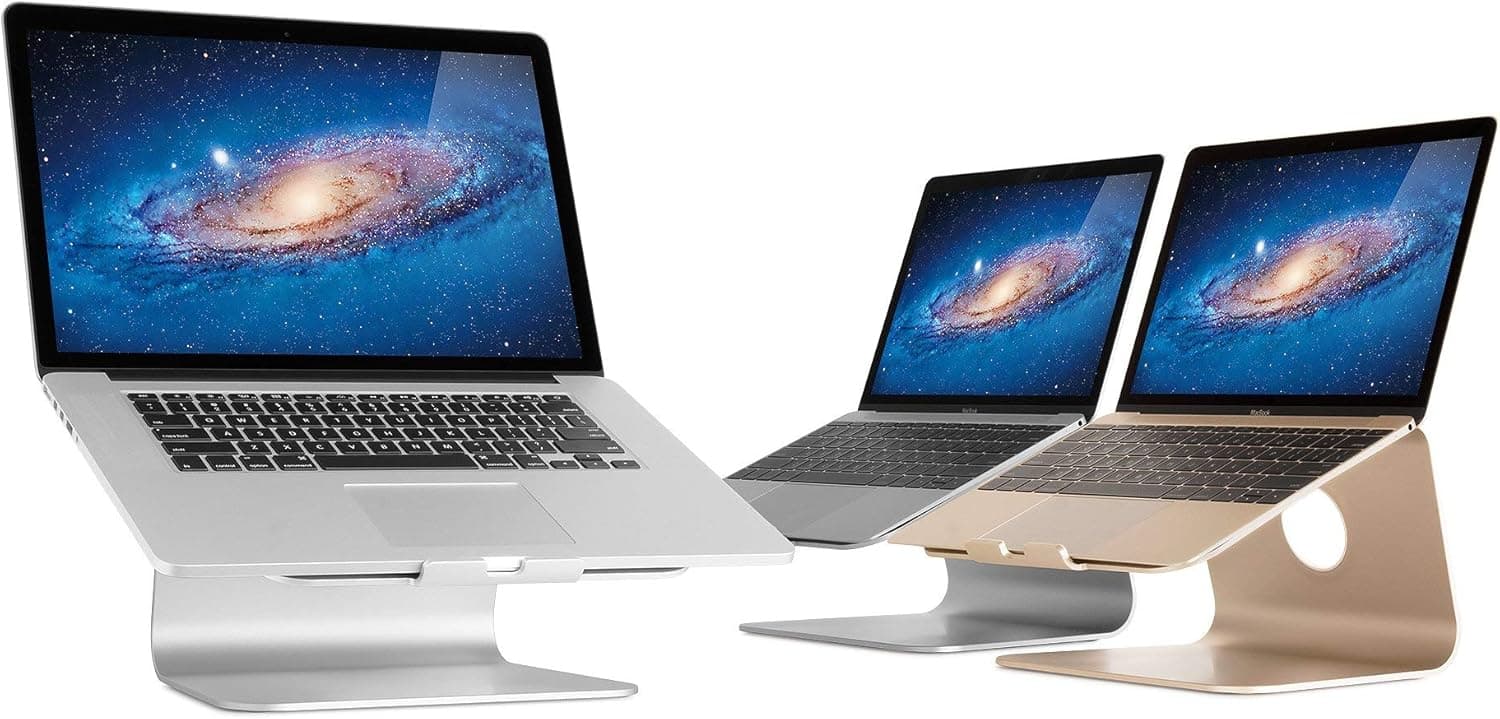
Sand-blasted, anodized aluminum meant to match Apple laptops, with silver, space grey and gold options
Cable management
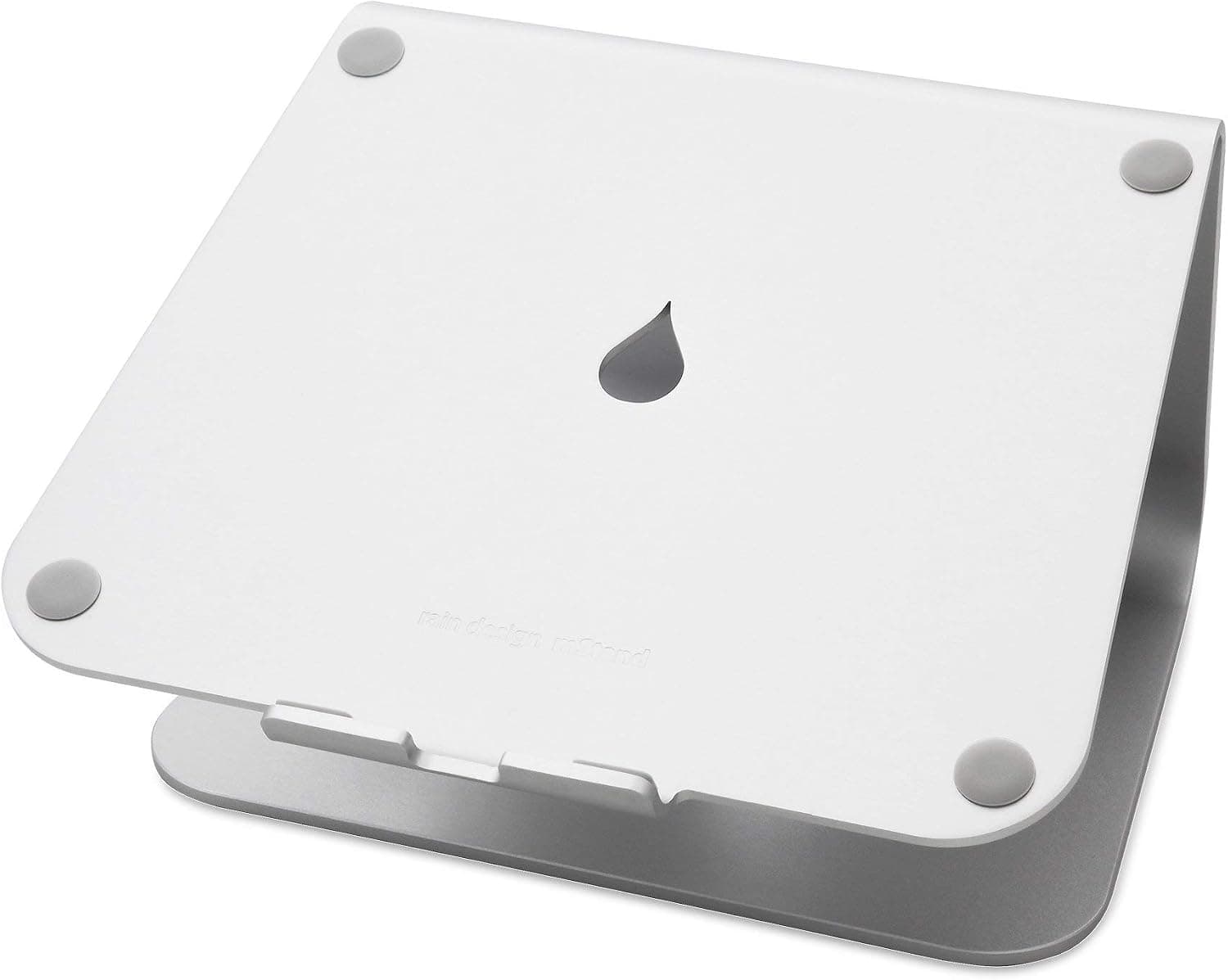
A 2-inch grommet-lined hole in the back routes cables and doubles as a carry handle
Keyboard stash
Open space under the raised laptop fits an external keyboard when it is not in use
Protection
Rubber feet and rubber laptop pads keep metal from touching metal
Fit
Laptops up to about 10.4 inches deep — covers every MacBook and most 13 to 16 inch Windows laptops
Note
A separate swivel model (mStand360) exists; this one does not rotate
Amazon Rating
4.8 stars, 6,900-plus ratings, about 89% 5-star
Design & Finish
Constructed from a single piece of cast aluminum, the mStand is designed to complement Apple laptops with sand-blasted, anodized finish options in silver, space grey, and gold. Soft rubber pads line the lip and cradle to prevent direct metal-to-metal contact, while rubber feet underneath keep the unit stationary on flat surfaces. It accommodates laptops up to about 10.4 inches deep, which easily encompasses all MacBook models as well as most 13-inch to 16-inch Windows machines. At the rear, a 2-inch grommet-lined hole cleanly routes power and display cables while doubling as a functional handle.
mStand Laptop Stand | Extremely sturdy cast-aluminum build that raises screens 5.9 inches to eye level while clearing desk space for an external keyboard.
Ergonomics & Setup
The primary function of the mStand is ergonomics, raising the laptop screen about 5.9 inches above the desk surface. For most standard desk setups, this elevates the top of the display near eye level and aligns neatly with adjacent desktop monitors. Verified buyers consistently highlight a noticeable reduction in neck strain and headaches after moving away from a flat laptop posture. However, because the design is entirely fixed, users who need higher or lower screen angles must adjust their office chair or physically prop up the stand.
Real-World Usage & Limits
In daily use, the mStand provides a rigid base with zero flex or screen wobble during normal desk activities. The open space underneath serves as a dedicated stash spot for an external keyboard when work is done. Using an external keyboard and mouse is essentially mandatory, as typing directly on the raised laptop keyboard creates an uncomfortable wrist angle and causes noticeable bounce. While marketing notes frame the aluminum body as a heat sink, rubber pads break thermal contact with the laptop frame, so any small cooling benefit comes from better airflow under the machine rather than the metal drawing heat away — and at least one careful owner measured no temperature difference at all.
What Owners Report Over Time
Patterns pulled from verified owner reviews, not our own usage log.
First Month
Condition: Excellent
Owners report an immediate decrease in neck, shoulder, and back tension after elevating their laptops.
Rubber contact pads hold laptops up to 10.4 inches deep firmly in place without scratching metal.
After 1+ Years
Condition: Excellent
Reviewers praise the stand as a long-term purchase, maintaining structural integrity across multiple laptop upgrades.
Rubber feet stay attached, though trying to twist the non-swiveling stand on a desk can cause premature wear to the rubber pads.
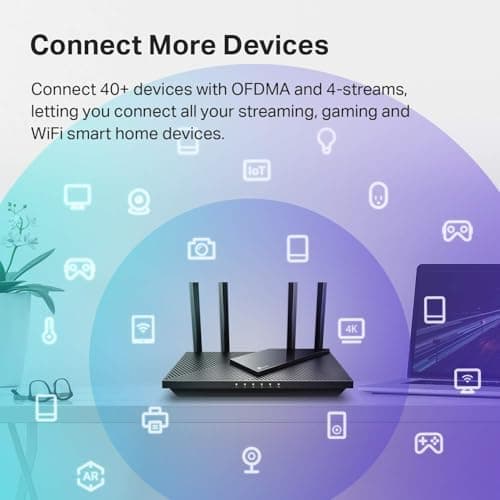
A top-selling budget router that delivers reliable Wi-Fi 6 speeds, easy app-based setup, and enough bandwidth to handle a modern household of connected devices. Long-term durability reports are mixed with some owners noting drops after a year, and it lacks the newer 6 GHz band for those seeking the absolute latest tech.
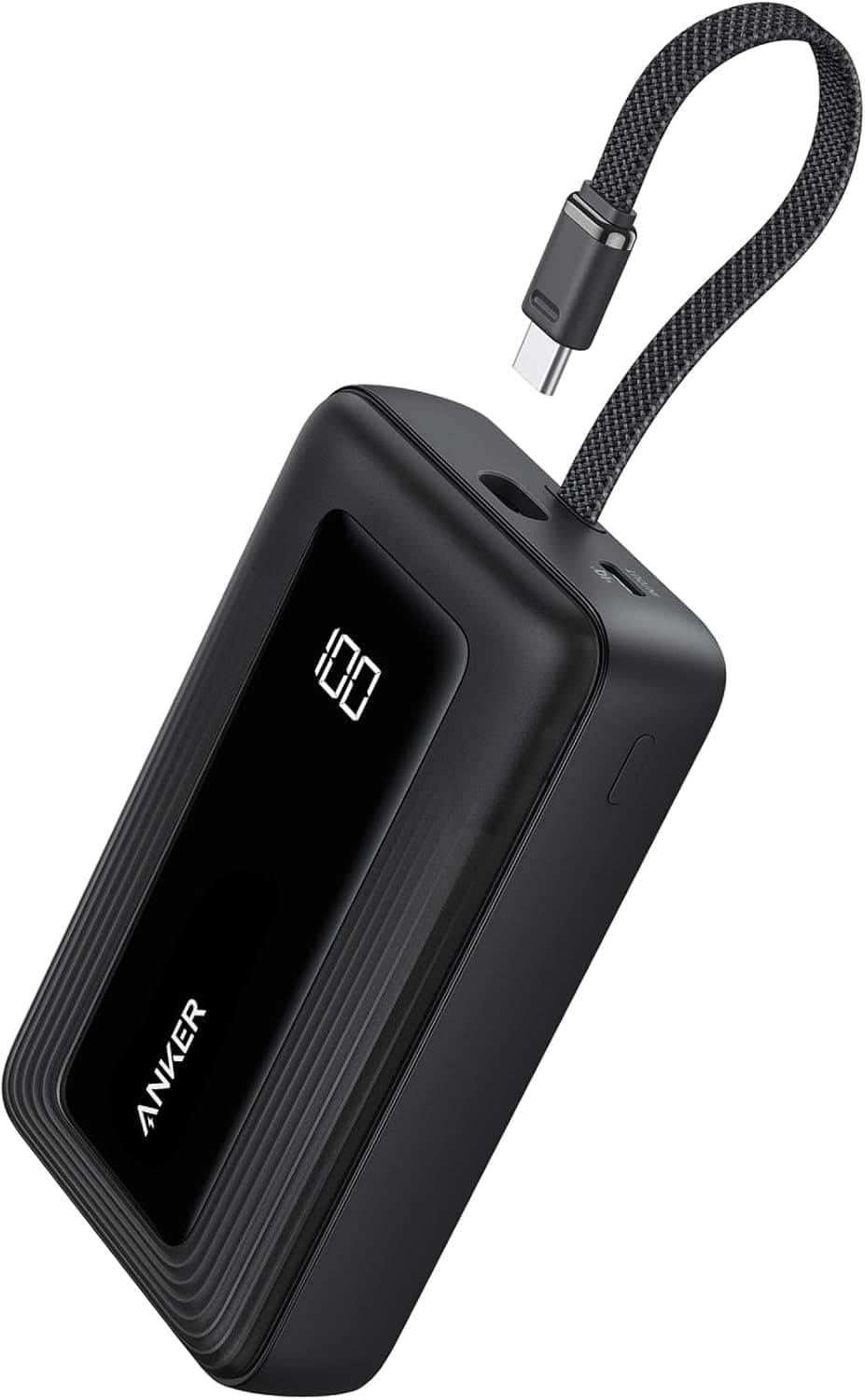
The built-in USB-C cable and accurate digital percentage display make this a highly convenient option for multi-day trips where outlet access is limited. Its nearly 13-ounce weight and chunky profile make it less ideal for pocket carry, and the 20W recharge speed means the bank itself takes a long time to fill.
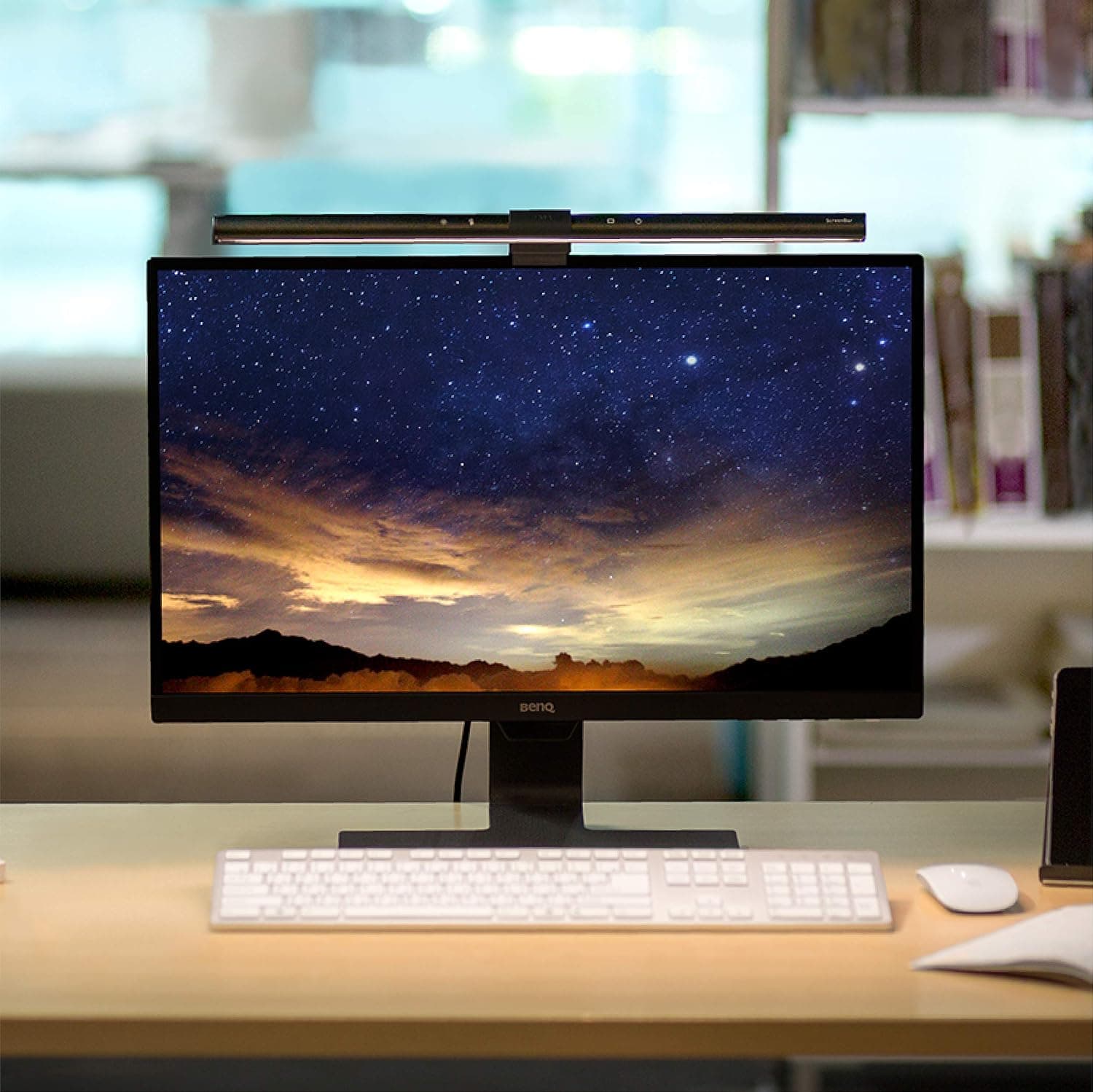
Asymmetric optics eliminate screen glare while freeing up desk space, backed by high color rendering and automated dimming. Carries a high price tag, features unlabeled touch controls, and can tilt downward when tapping the top buttons.



 8.4
8.4