This site contains affiliate links, and we may earn a commission on qualifying purchases. Learn more

BenQ ScreenBar Monitor Light Bar Review

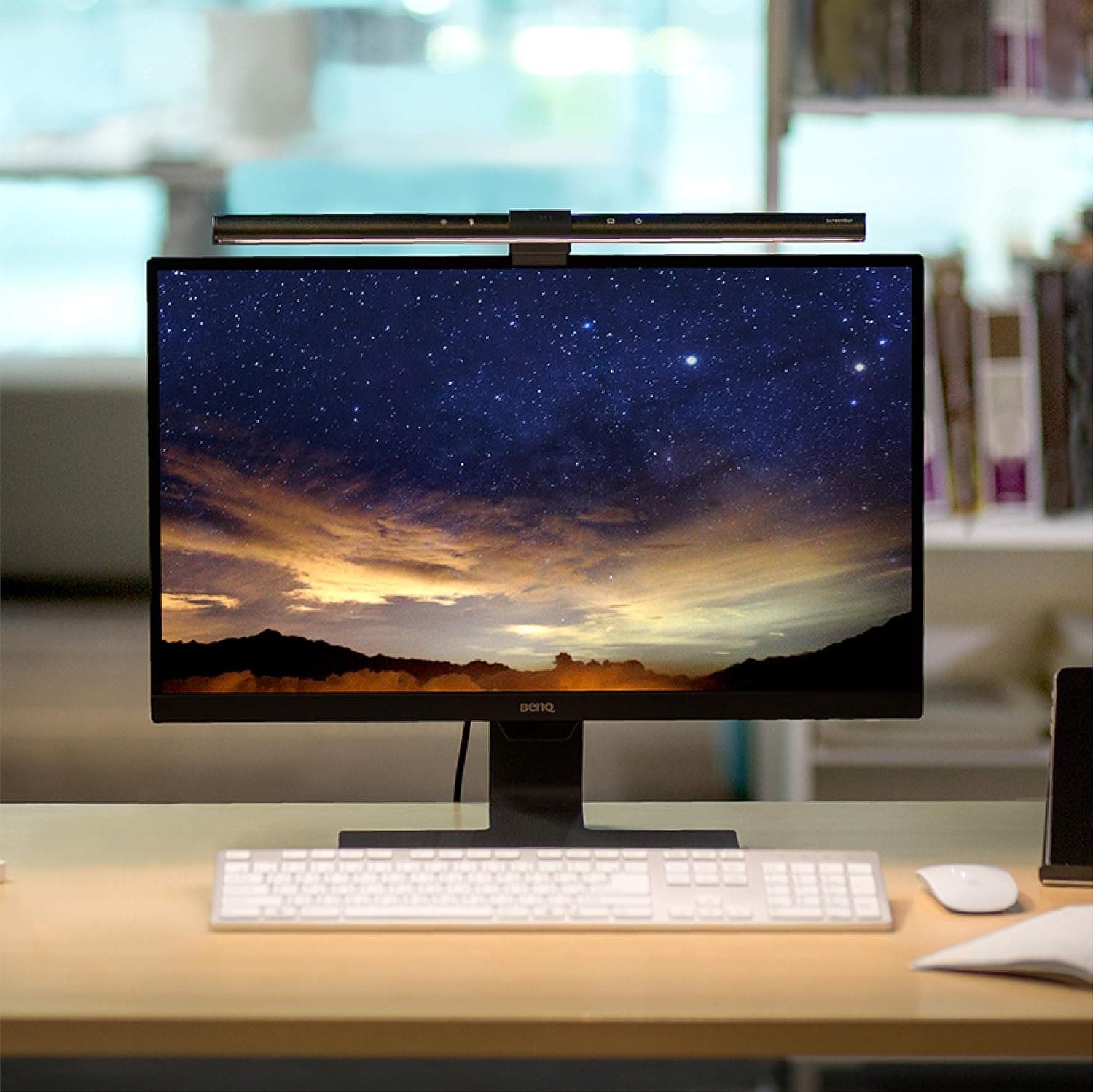
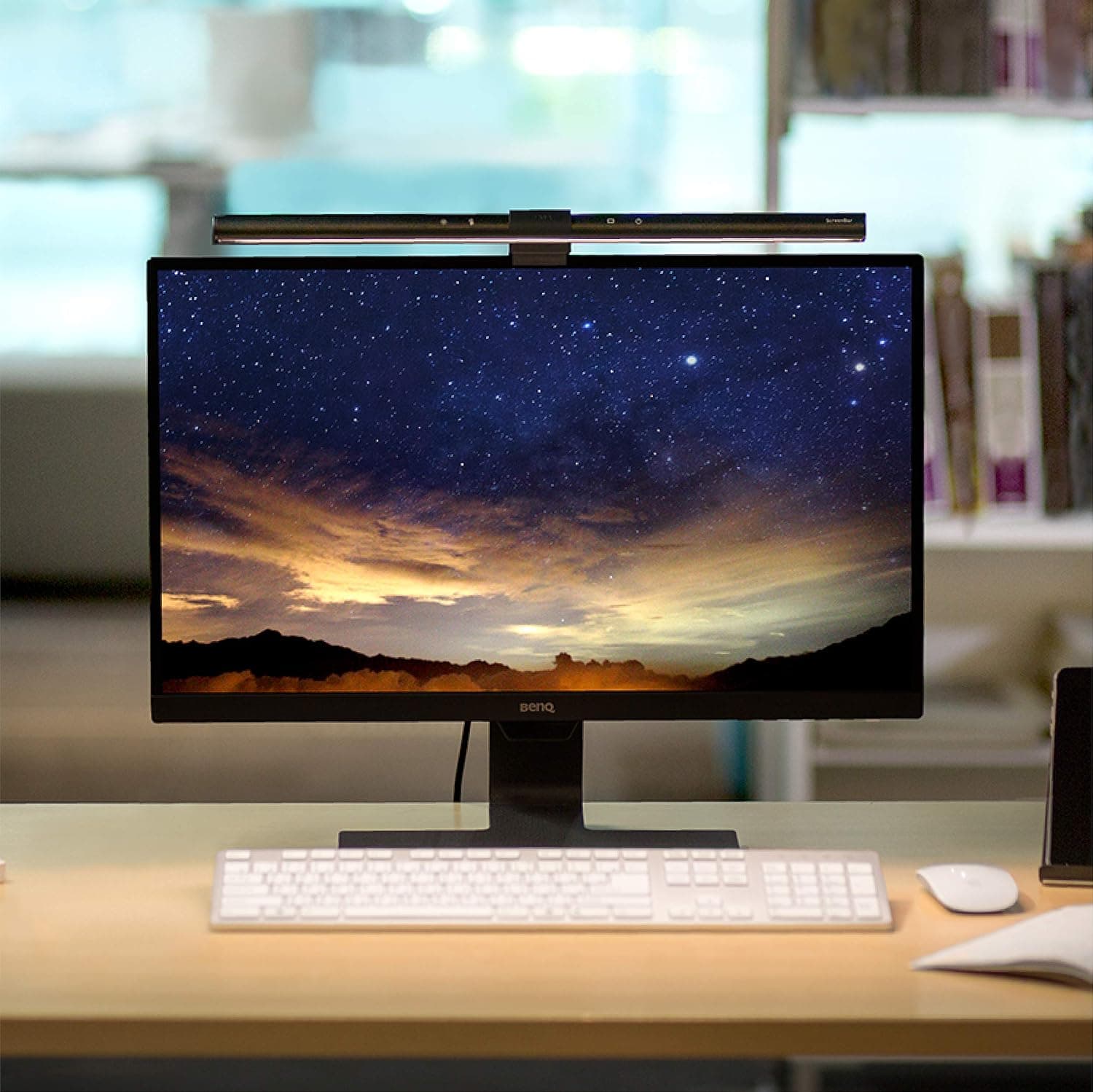
The BenQ ScreenBar Monitor Light Bar provides desk illumination without screen glare or taking up physical desk space. Featuring an asymmetric optical design, touch controls, and a built-in ambient light sensor, it offers smooth color temperature adjustments and automatic dimming. While its price point and minor design quirks—such as unlabeled controls and a clip that can shift when tapped—draw criticism, owners consistently highlight its lighting quality and space-saving build.

Check price on Amazon
BenQ ScreenBar Monitor Light Bar detail shot 1
Performance92/100
Convenience85/100
Value70/100
8.6/10Excellent

Pros

  • Asymmetric optical design illuminates the desk evenly without screen glare or reflections
  • Clears desk space entirely using a counterweighted mounting clip
  • High light quality with a CRI over 95 and color temperature adjusting from 2700K to 6500K
  • Built-in ambient light sensor automatically targets 500 lux or 300 lux office lighting standards
  • Solid build finished in sand-blasted matte black aluminum

Cons

  • Expensive relative to traditional desk lamps or standard LED light strips
  • Tapping the top-mounted touch controls can cause the counterweighted bar to tilt downward
  • Touch buttons are unlabeled and rely on undocumented long-press gestures
  • Auto-dimming mode exits immediately if manual brightness adjustments are made
Check price on Amazon

Key Specs

MountingA counterweighted clip that rests on top of the monitor (screens about 1 to 3 cm thick, including curved 1800R-plus and ultrawide panels); nothing sits on the desk
Auto-dimmingBuilt-in ambient light sensor targets roughly 500 lux in normal rooms and about 300 lux in a dim room, matching an office-lighting standard
Manual controlTouch keys on the bar for stepless brightness (about 230 to 955 lux) and color temperature (2700K warm to 6500K cool); it remembers the last setting on power-up
Glare controlAsymmetric optics aimed to light the desk without reflecting off the screen; the bar tilts about plus or minus 10 degrees
PowerRuns from any USB port
Light qualityFlicker-free and low-blue-light (IEEE PAR1789 / IEC 62778), CRI over 95, rated for about 50,000 hours
BuildSand-blasted matte black aluminum
Amazon Rating4.7 stars, 4,400-plus ratings, about 78% 5-star

Design & Build Quality

Built from sand-blasted matte black aluminum, the ScreenBar features a solid feel and clean aesthetic. It mounts using a heavy counterweighted clip that rests on top of flat or curved monitors between 1 and 3 cm thick, including 1800R-plus and ultrawide panels. Because the entire assembly sits atop the display, no base or clamp occupies desk space. However, because the light bar is held in place by counterweight friction within the clip, several owners point out that pressing the top touch buttons can push the bar downward, requiring manual tilt adjustment.

Setup & Controls

The ScreenBar is powered via any standard USB port. The top of the aluminum housing features touch keys for stepless brightness adjustment (ranging from roughly 230 to 955 lux) and color temperature tuning from 2700K warm to 6500K cool, retaining the last active setting when powered back on. Reviewers frequently note that the touch controls are completely unlabeled and minimally documented, creating a slight learning curve for long-press actions. Additionally, this base model does not include an occupancy sensor to turn on automatically upon sitting down.

Performance & Lighting Quality

The primary strength of the ScreenBar is its asymmetric optics, which direct light onto the workspace while preventing direct glare or reflection off the monitor surface. The light bar can also be tilted plus or minus 10 degrees to fine-tune coverage. The LEDs are flicker-free and low-blue-light certified under IEEE PAR1789 and IEC 62778, with a CRI over 95 and a rated lifespan of about 50,000 hours. An integrated ambient light sensor targets approximately 500 lux in normal lighting conditions and 300 lux in dim environments, though owners mention that touching the brightness control drops the light out of auto mode.

What Owners Report Over Time

Patterns pulled from verified owner reviews, not our own usage log.

First Week

Condition: Excellent
  • Desk space is immediately cleared as the counterweighted clip rests on monitors 1 to 3 cm thick.
  • Asymmetric optics effectively eliminate screen reflections on both flat and curved displays.

6+ Months

Condition: Good
  • The aluminum housing maintains its appearance over extended use.
  • Owners report minor ongoing annoyance with the bar tilting slightly downward when pressing top touch controls.
Check price on Amazon
David Kim

David Kim

Last updated: September 2, 2026

Subscribe

Be the first to know whenever a new review goes up.

More in This Category

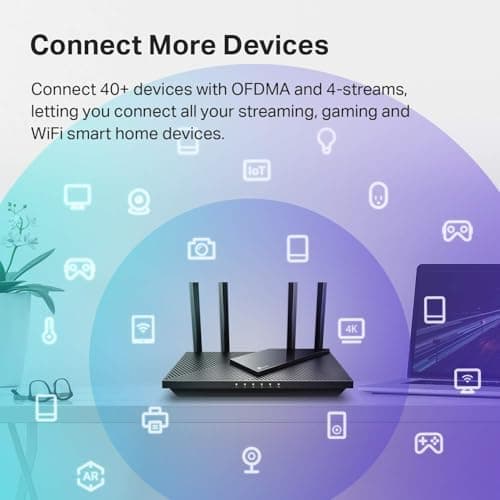
TP-Link Archer AX21 AX1800 Wi-Fi 6 Router review8.4

REVIEW · October 15, 2026

Archer AX21 AX1800 Wi-Fi 6 Router by TP-Link

A top-selling budget router that delivers reliable Wi-Fi 6 speeds, easy app-based setup, and enough bandwidth to handle a modern household of connected devices. Long-term durability reports are mixed with some owners noting drops after a year, and it lacks the newer 6 GHz band for those seeking the absolute latest tech.

Read Review
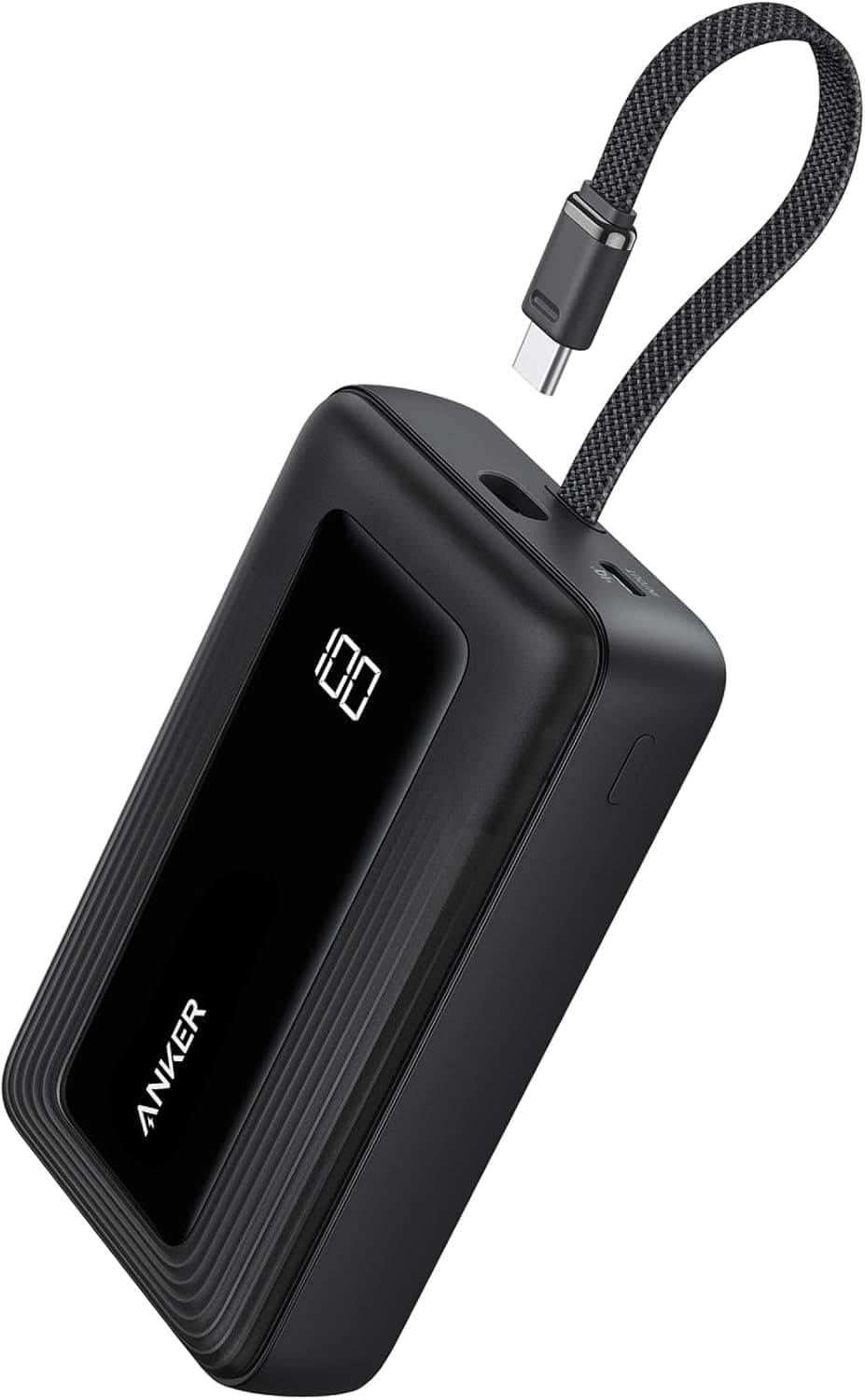
Anker Zolo 20,000mAh 30W Power Bank with Built-in USB-C Cable review8.4

REVIEW · October 8, 2026

Zolo 20,000mAh 30W Power Bank with Built-in USB-C Cable by Anker

The built-in USB-C cable and accurate digital percentage display make this a highly convenient option for multi-day trips where outlet access is limited. Its nearly 13-ounce weight and chunky profile make it less ideal for pocket carry, and the 20W recharge speed means the bank itself takes a long time to fill.

Read Review
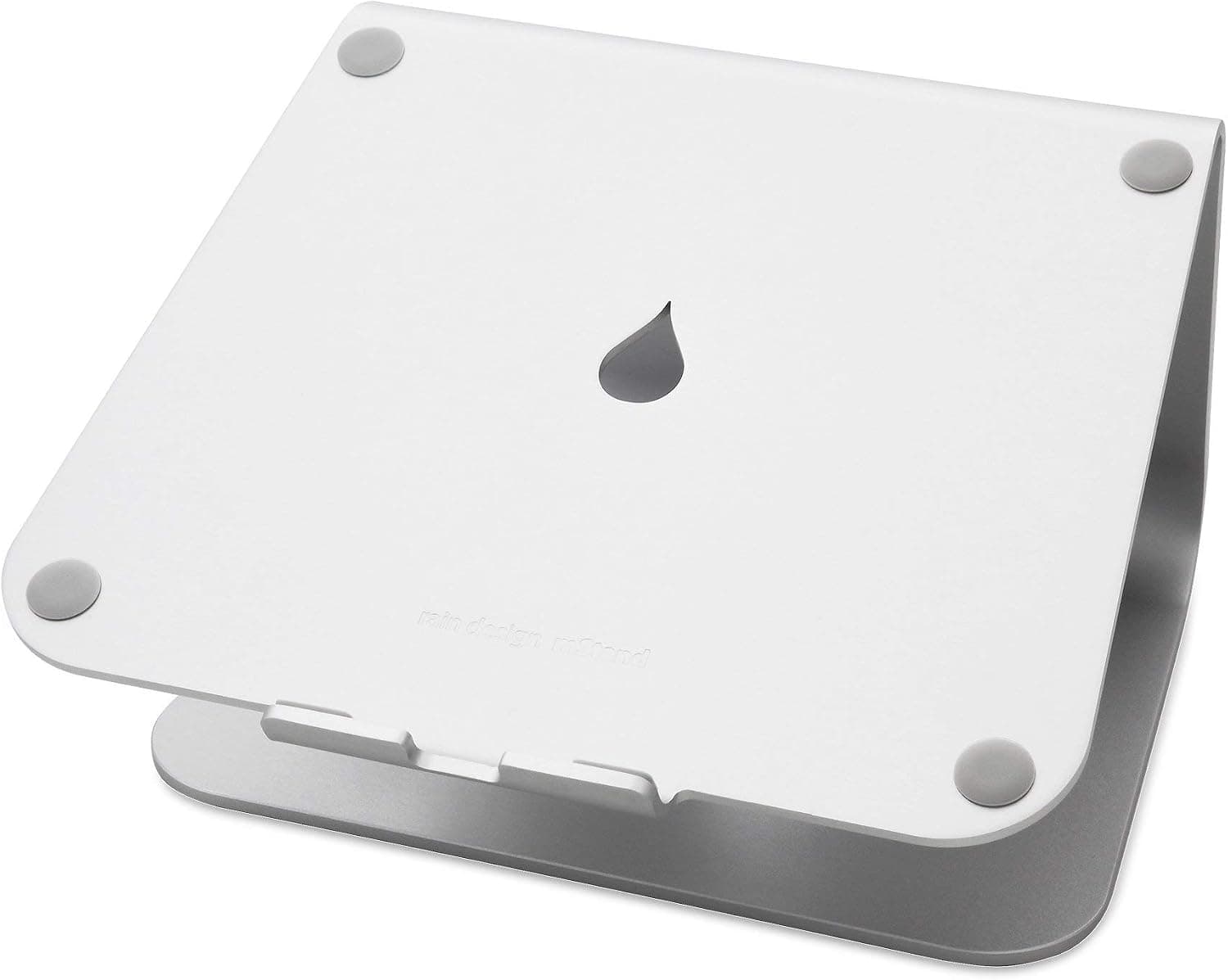
Rain Design mStand Laptop Stand review8.6

REVIEW · September 2, 2026

mStand Laptop Stand by Rain Design

Extremely sturdy cast-aluminum build that raises screens 5.9 inches to eye level while clearing desk space for an external keyboard. Fixed height offers no adjustment, and typing directly on the elevated laptop causes noticeable bounce.

Read Review
BenQ ScreenBar Monitor Light Bar front view

BenQ

ScreenBar Monitor Light Bar

8.6
Check price on Amazon

Written from in-depth product research