A feature-packed wireless productivity mouse praised for its quiet clicks, dual scroll wheels, and ergonomic right-handed shape, though its premium price tag and occasionally spotty software draw criticism.
8,000 DPI Darkfield sensor that works on almost any surface, including glass at least 4 mm thick
Clicks
Quiet Clicks — Logitech rates them at about 90% less click noise than the previous MX Master 3
Scrolling
MagSpeed electromagnetic main wheel that shifts automatically between ratcheted and near-frictionless free-spin, plus a separate thumb wheel for horizontal scroll
Connectivity
Pairs with up to 3 devices over Bluetooth or the included Logi Bolt USB receiver; a button on the base switches between them
Battery
Rated up to 70 days per full charge; USB-C quick charge gives roughly 3 hours of use from a 1-minute top-up
Software
Logi Options+ for per-application button and scroll customization; Logitech Flow to move the cursor between two computers and copy-paste across them
Ergonomics
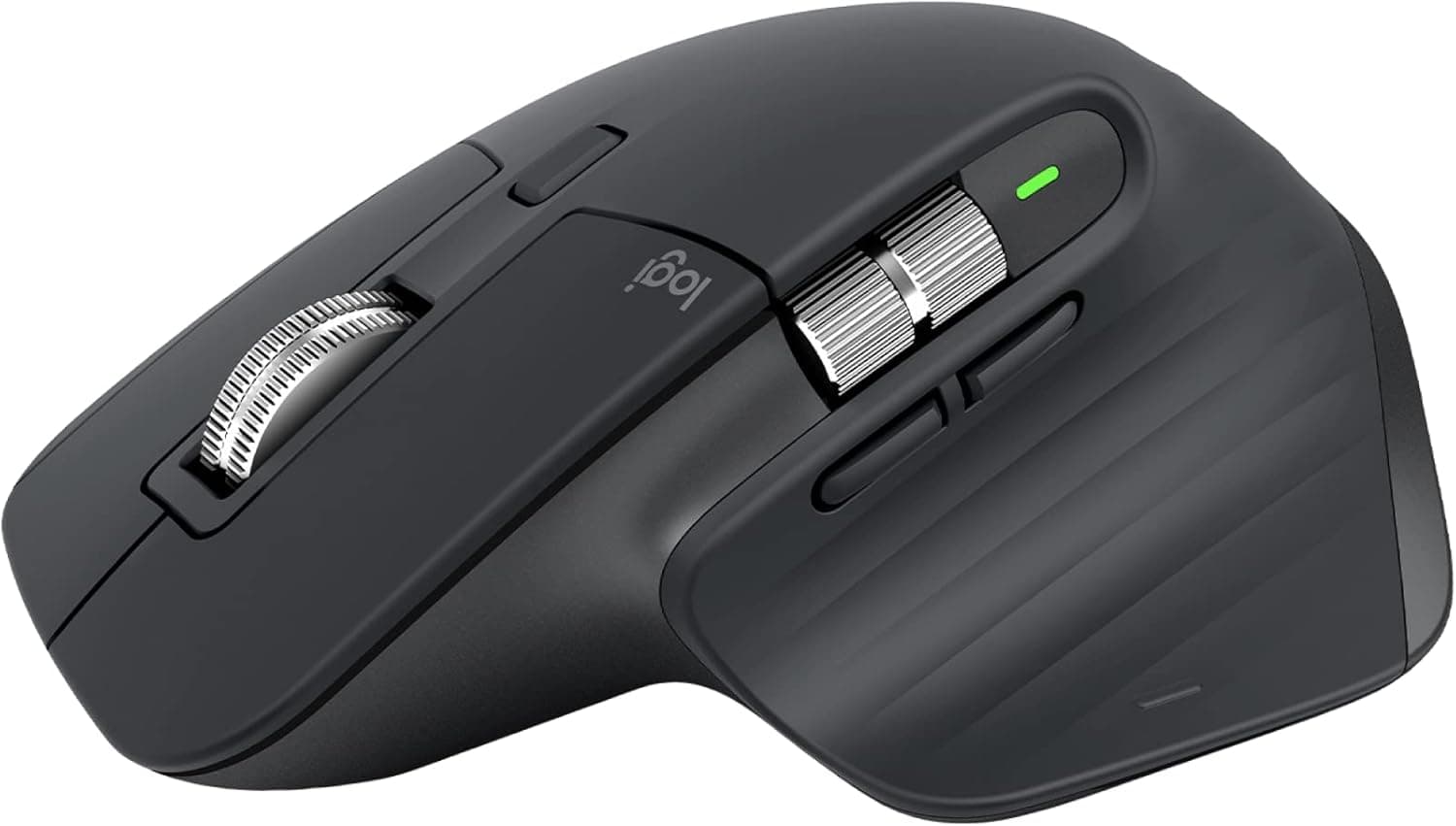
Sculpted right-hand shape, about 5 oz (141 g), with a thumb rest and gesture button — a larger mouse suited to medium and large hands
Compatibility
Windows, macOS, Linux, ChromeOS and iPadOS
Amazon Rating
4.6 stars, 8,800+ ratings, about 83% 5-star
Design & Ergonomics
The mouse features a sculpted right-hand shape weighing roughly 5 oz (141 g), specifically engineered for medium and large hands. It includes a built-in thumb rest and a dedicated gesture button. Reviewers highlight how comfortable it remains over full workdays, noting noticeable relief from hand and wrist strain. However, the asymmetric, bulky footprint completely excludes left-handed users and can feel cumbersome for those with smaller hands. The metal ridged main scroll wheel also divides opinion; while well-built, several owners note that the textured metal can feel firm or abrasive on the fingertip during heavy scrolling.
MX Master 3S Performance Wireless Mouse | Ergonomic right-hand design paired with exceptionally quiet switches and dual scroll wheels make long workdays far more comfortable.
Connectivity & Software
Multi-device workflows are supported out of the box, with the mouse pairing to up to 3 devices across Windows, macOS, Linux, ChromeOS, and iPadOS. A button on the base toggles between connections using Bluetooth or the included Logi Bolt USB receiver, which owners report reconnects without any wake-up lag. Customization is handled by Logi Options+, enabling per-application button mapping and horizontal navigation via the thumb wheel. Response to the software is mixed, however, with several buyers reporting that Logitech Flow—designed to move the cursor and copy-paste files between two computers—can be finicky and unreliable.
Performance & Real-World Usage
Daily tracking relies on Logitech's 8,000 DPI Darkfield sensor, which users note glides smoothly across virtually any desktop surface, including glass tables at least 4 mm thick. One of the standout upgrades is the Quiet Clicks technology, which Logitech rates at approximately 90% quieter than the MX Master 3. Owners frequently point out how much calmer shared offices and video calls feel without sharp click sounds. Scrolling performance is equally strong thanks to the MagSpeed wheel, which automatically shifts between precision ratcheted clicks and near-frictionless free-spinning. Battery performance is another highlight, rated up to 70 days on a full charge, with a 1-minute USB-C quick charge delivering around 3 hours of operational power.
What Owners Report Over Time
Patterns pulled from verified owner reviews, not our own usage log.
First Week
Condition: Excellent
Owners report an immediate reduction in workplace click noise and comfortable ergonomic support.
Pairing across multiple systems via Bluetooth or the Logi Bolt USB receiver goes smoothly.
3 to 6 Months
Condition: Good
Battery life holds up to expectations, requiring very few charges over months of daily use.
Some users note that Logitech Flow can disconnect periodically, and a few choose aftermarket glide skates.
A top-selling budget router that delivers reliable Wi-Fi 6 speeds, easy app-based setup, and enough bandwidth to handle a modern household of connected devices. Long-term durability reports are mixed with some owners noting drops after a year, and it lacks the newer 6 GHz band for those seeking the absolute latest tech.
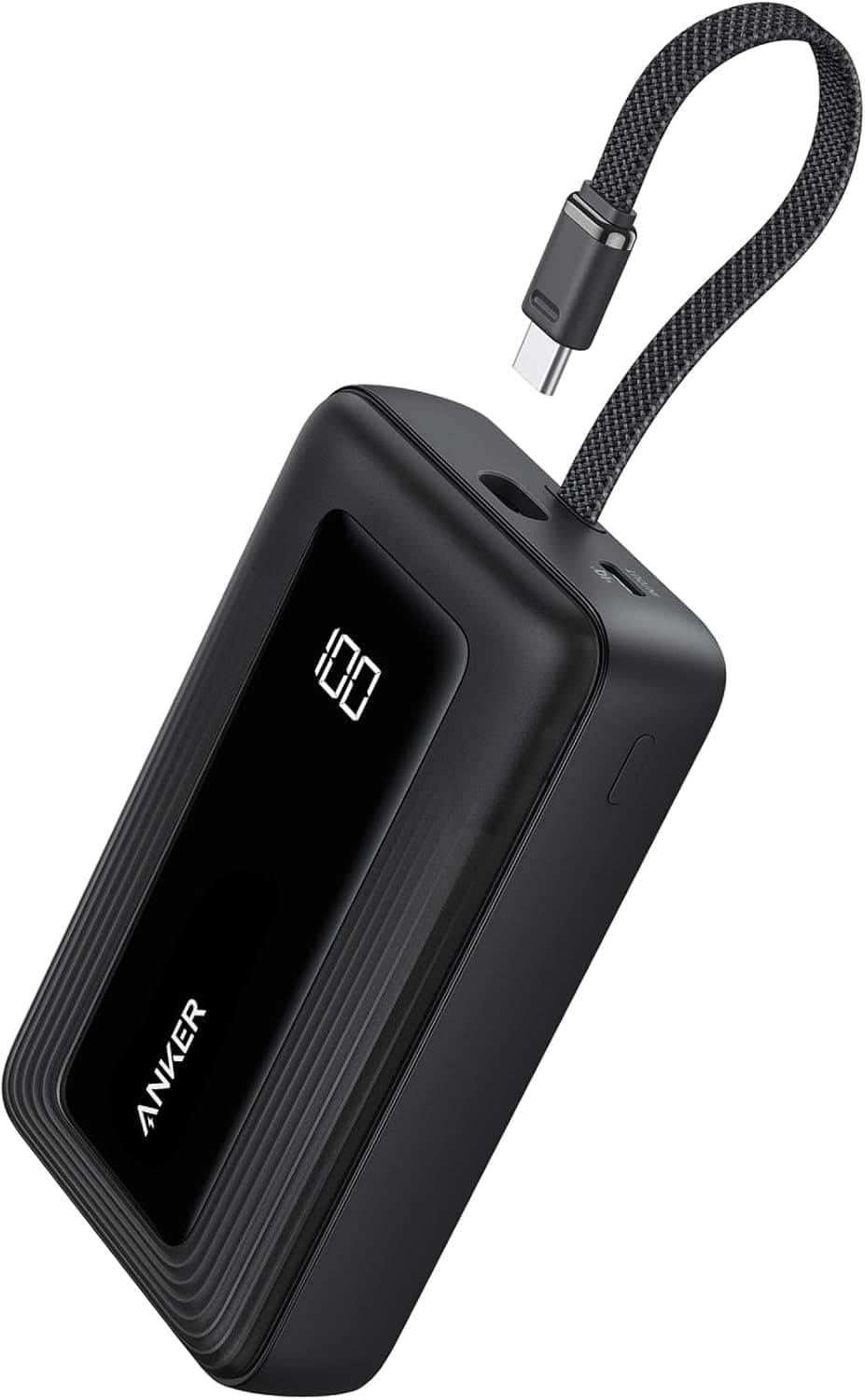
The built-in USB-C cable and accurate digital percentage display make this a highly convenient option for multi-day trips where outlet access is limited. Its nearly 13-ounce weight and chunky profile make it less ideal for pocket carry, and the 20W recharge speed means the bank itself takes a long time to fill.
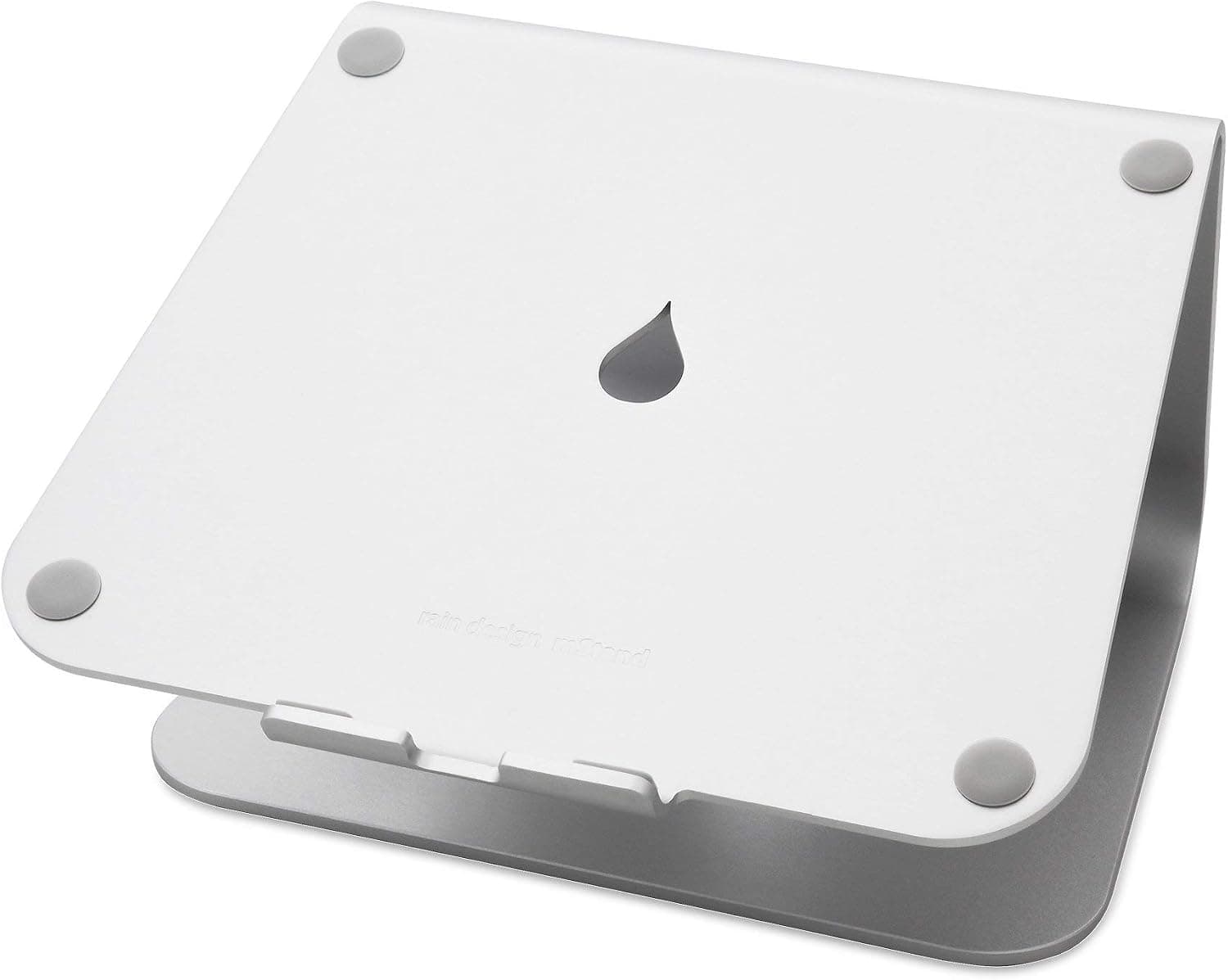
Extremely sturdy cast-aluminum build that raises screens 5.9 inches to eye level while clearing desk space for an external keyboard. Fixed height offers no adjustment, and typing directly on the elevated laptop causes noticeable bounce.



 8.4
8.4