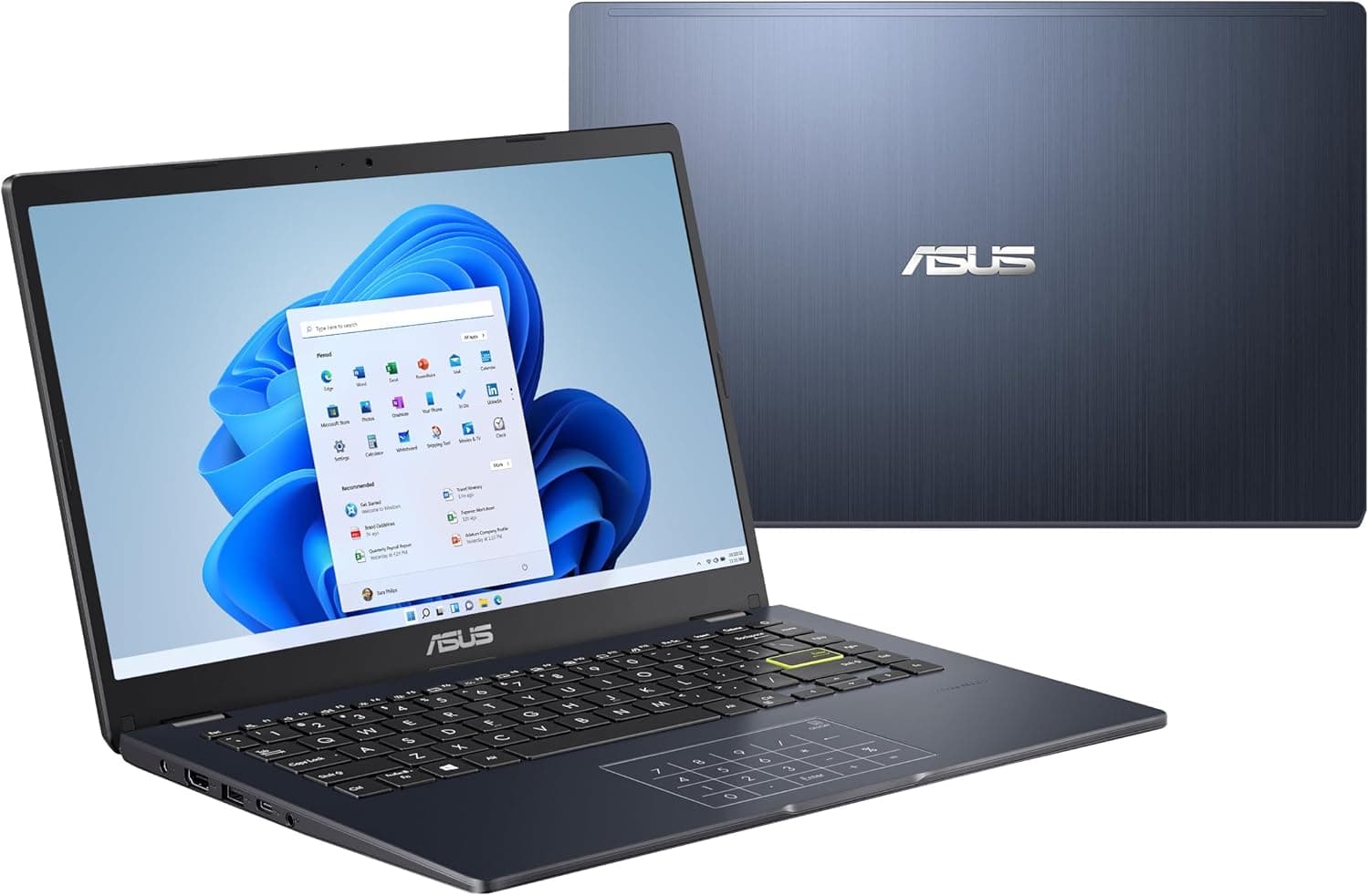
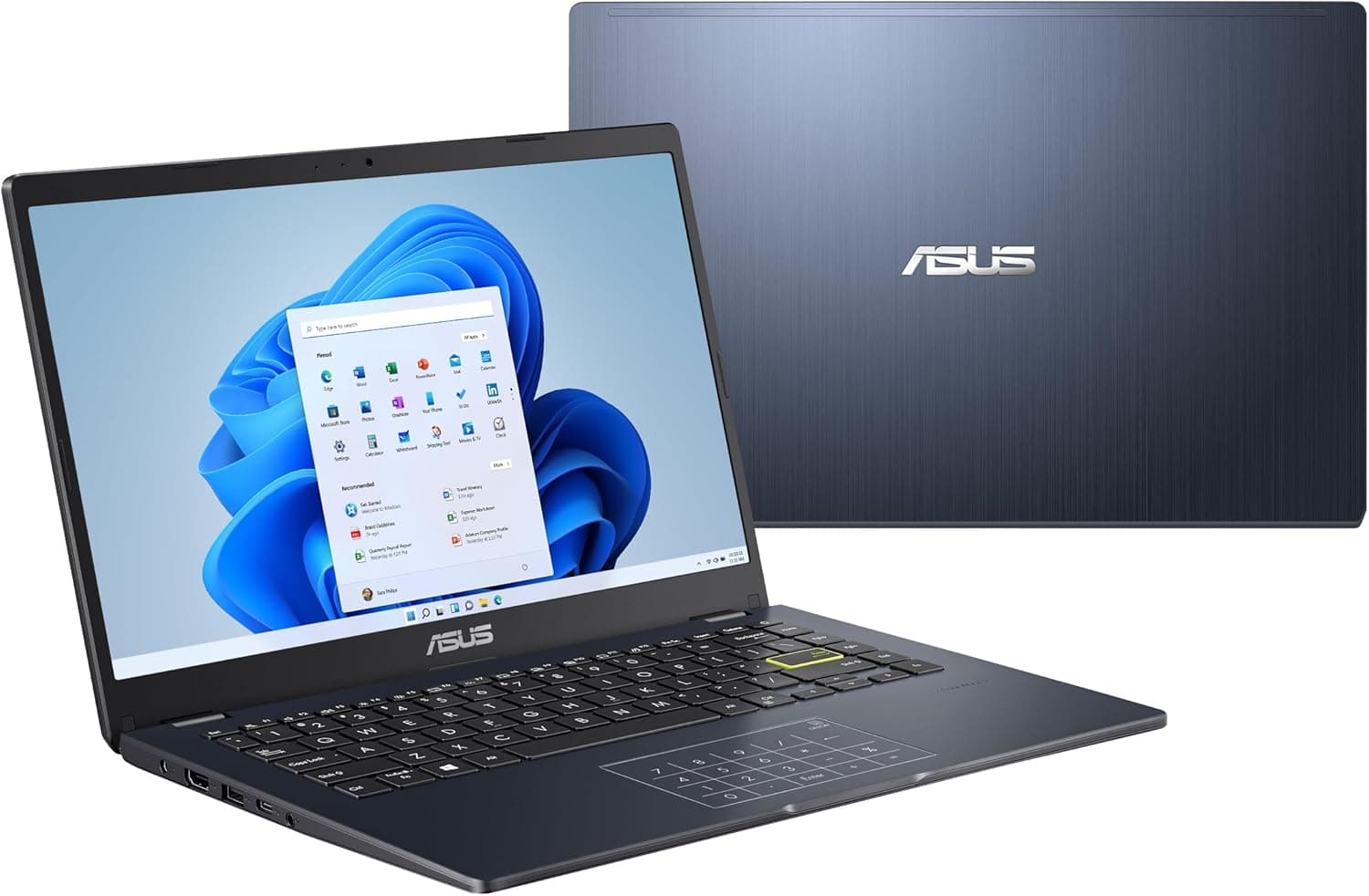
The navy blue lid with a brushed-metal pattern looks fairly upscale for this price range. At around 1.3kg, it barely registered as extra weight in a backpack. The built-in number pad is also a genuine plus if you do a lot of spreadsheet or accounting work.
ASUS E410 | Full-size keyboard layout with a built-in number pad.
Setup & Usage
Setup follows the standard Windows install process, nothing to trip over. That said, owners note base storage drops noticeably from the initial updates alone, and reviewers planning to work with large files like photos or video recommend setting up an external SSD or cloud storage from day one.
Performance / Real-World Usage
For light work like writing documents, email, and video calls, owners report it stays comfortably responsive. The problem is once 10+ browser tabs are open — that's when switching speed noticeably slows and occasional input lag creeps in. Reviewers don't recommend it for video editing or heavy software, but as a secondary laptop for documents, online classes, or video calls, it's a reasonable pick.
Battery, Heat & Other Details
Owners report a full day of document work on a single charge. Heat stays at a tolerable level for extended lap sessions, and fan noise is on the quiet side. The most common complaint: speaker volume is low enough that owners have to crank it near max during video calls.
What Owners Report Over Time
Patterns pulled from verified owner reviews, not our own usage log.
First few days
Condition: Excellent
Boot speed and initial responsiveness felt smooth for document work
Typing feel is solid for the price
2 weeks in
Condition: Good
Lag became noticeable when working with lots of open browser tabs
Heat on the lap stayed at a tolerable level even with extended use
1 month in
Condition: Fair
Low storage warnings started appearing, resolved with an external SSD
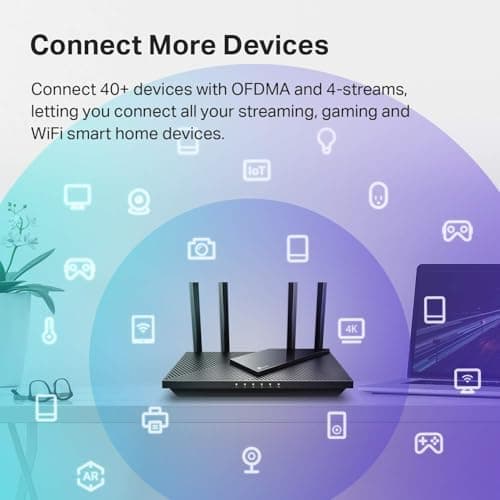
A top-selling budget router that delivers reliable Wi-Fi 6 speeds, easy app-based setup, and enough bandwidth to handle a modern household of connected devices. Long-term durability reports are mixed with some owners noting drops after a year, and it lacks the newer 6 GHz band for those seeking the absolute latest tech.
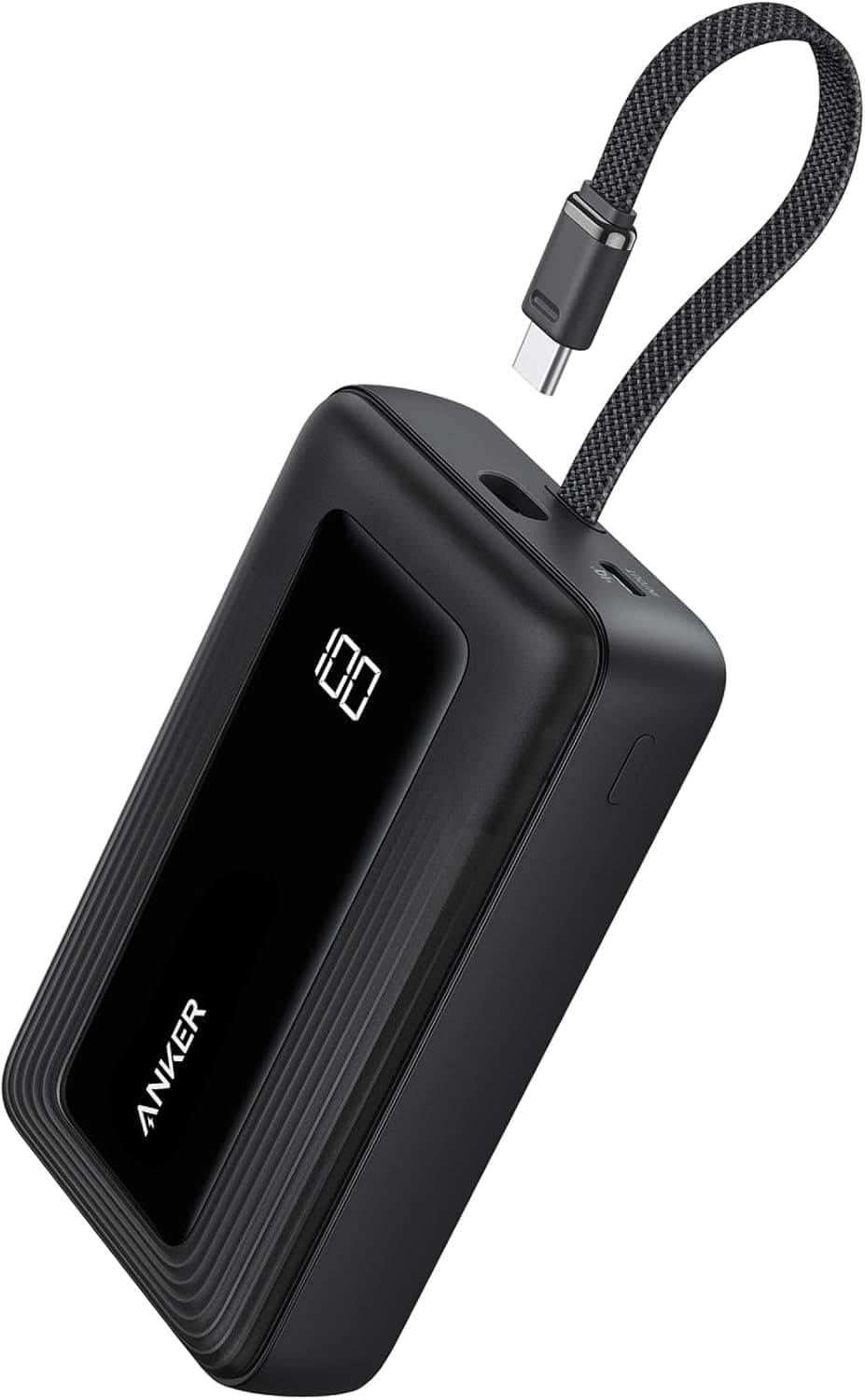
The built-in USB-C cable and accurate digital percentage display make this a highly convenient option for multi-day trips where outlet access is limited. Its nearly 13-ounce weight and chunky profile make it less ideal for pocket carry, and the 20W recharge speed means the bank itself takes a long time to fill.
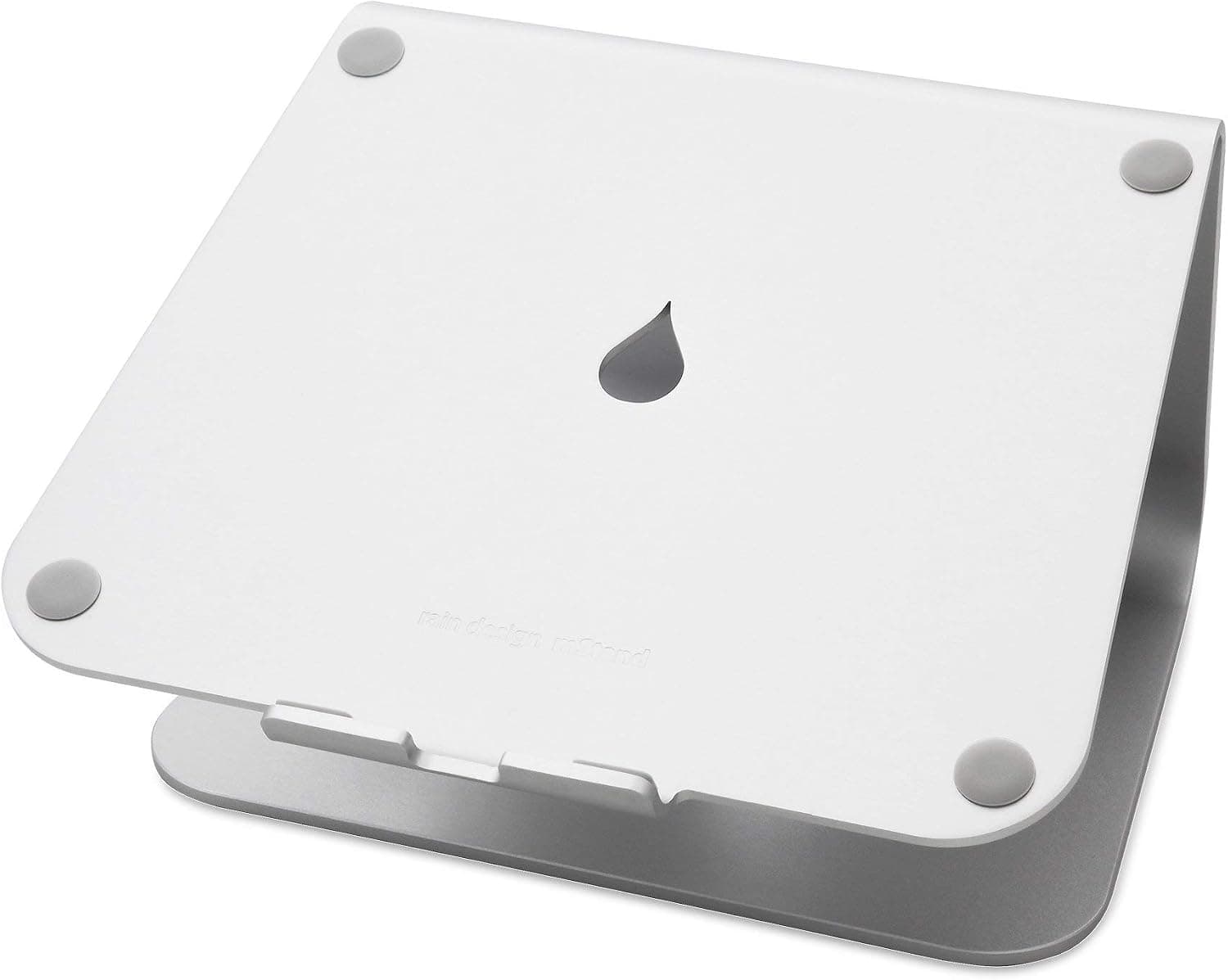
Extremely sturdy cast-aluminum build that raises screens 5.9 inches to eye level while clearing desk space for an external keyboard. Fixed height offers no adjustment, and typing directly on the elevated laptop causes noticeable bounce.


 8.4
8.4