Design & Hardware
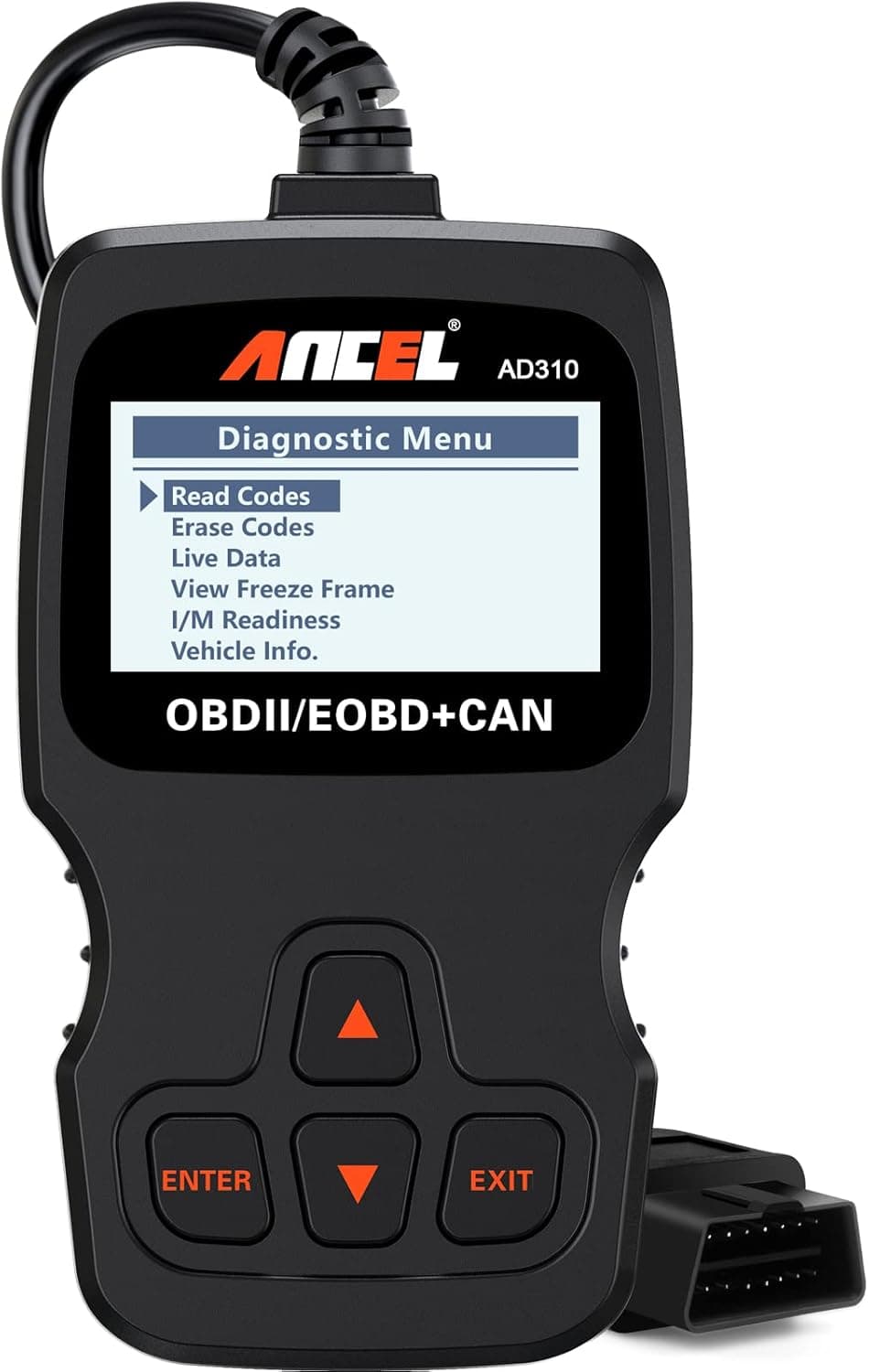
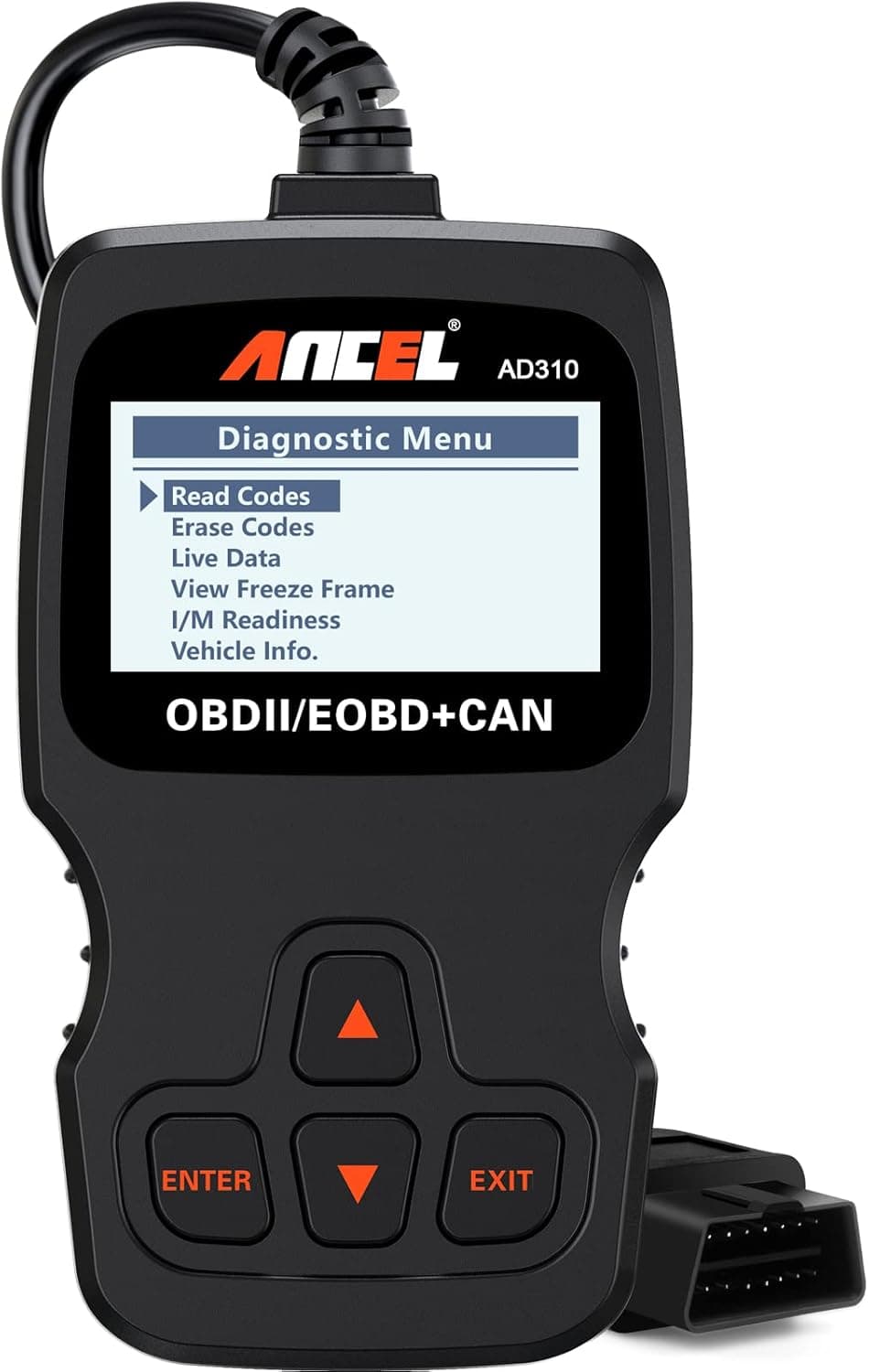
The device features a compact, handheld layout weighing approximately 12 ounces, making it easy to store in a glovebox or toolbox alongside other garage essentials like the Battery Tender Junior or the NOCO GB40. It features a 2.4-inch backlit screen that remains easy to read in low light, accompanied by clearly labeled buttons for navigation. A thick 2.5-foot cable provides enough slack to operate the device comfortably from the driver's seat. Because it draws power directly from the vehicle's OBD2 port, owners never have to worry about charging internal batteries or keeping spares on hand.
Setup & Usage
Operating the scanner is intentionally straightforward, making it highly accessible for beginners. To use it, first locate the OBD2 port under the vehicle's dashboard, typically positioned near the steering column. Plug the scanner's cable directly into this port, and turn the vehicle's ignition to the 'on' position while keeping the engine off. The device will boot up immediately. Reviewers recommend reading and writing down any displayed trouble codes before choosing to clear them. Once you have the code, it is vital to research the specific code online to understand the underlying issue before purchasing or replacing any parts.
Real-World Performance & Limits
With over 67,000 ratings and a strong presence as a top-selling automotive tool, this scanner is widely praised for its accuracy in identifying emissions-related issues and clearing check-engine lights. However, buyers should keep its diagnostic limits in mind. It is strictly designed for engine and emissions-related codes. It cannot read or clear codes for ABS, airbags (SRS), or transmission modules, nor does it offer bidirectional controls or advanced data logging. Additionally, while clearing a code turns off the dash light, it does not fix the physical malfunction, and doing so will reset the vehicle's readiness monitors, which must complete a drive cycle before emissions testing.

 8.4
8.4