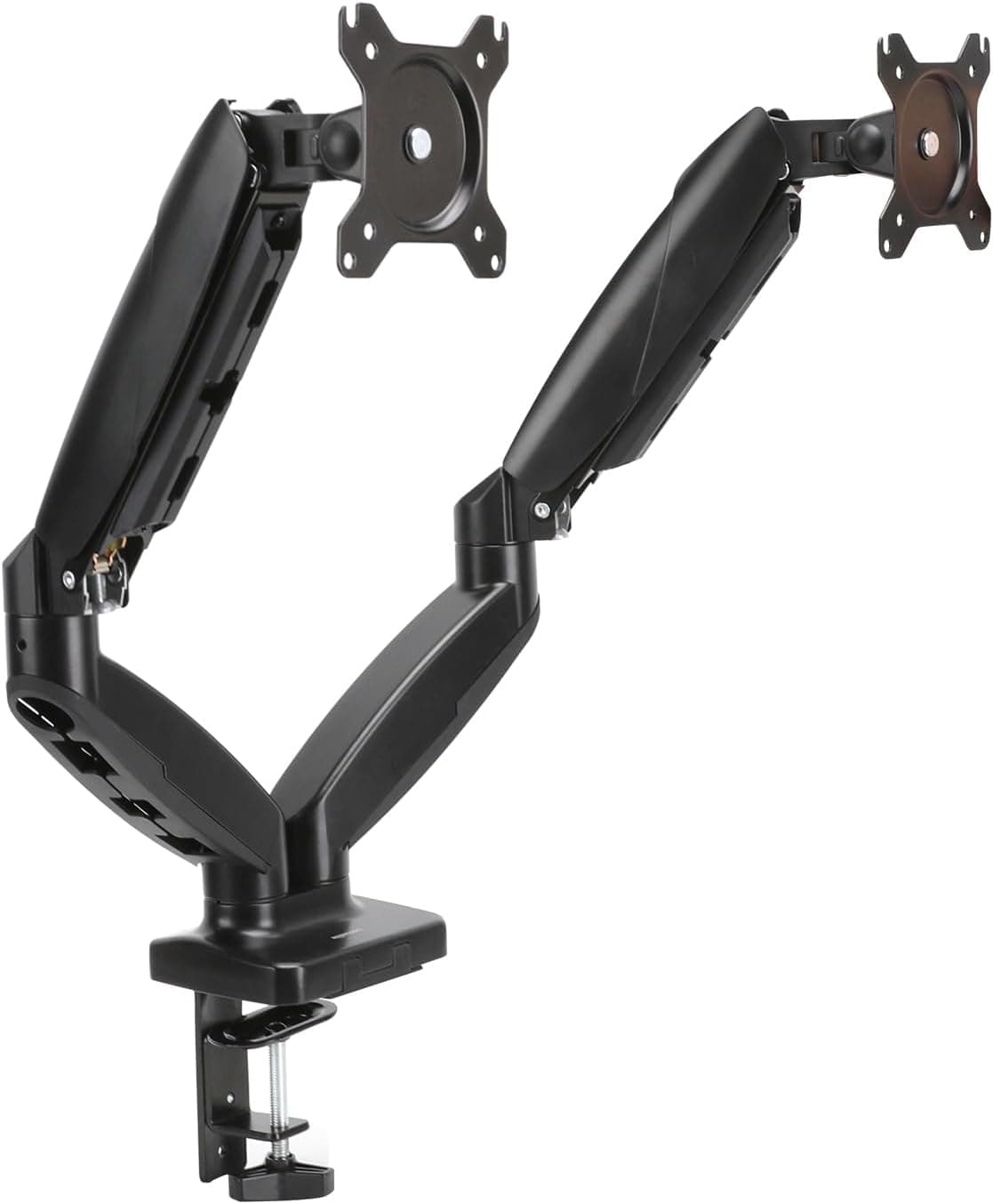
Setting up a desk for remote work or a side project can be overwhelming — where do you even start? Here's the priority order we recommend, based on our research into these products and what owners report.
Priority 1: A Monitor Arm
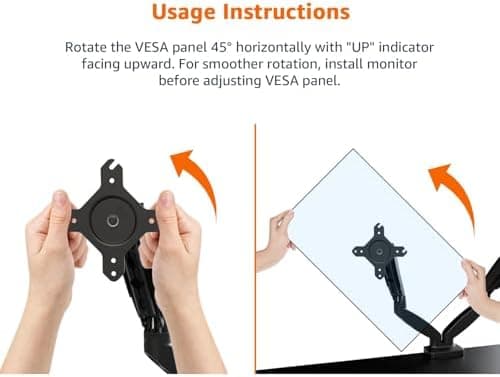
The first thing we'd recommend upgrading, surprisingly, isn't the monitor itself — it's the mount. Getting the screen to eye level can make long work sessions more comfortable. Gas-spring arms cost more upfront, but being able to reposition the screen freely, including when you switch between sitting and standing, is a big part of their appeal.
Priority 2: Headphones You Can Wear All Day
If you're in a lot of video calls, headset quality affects your work satisfaction more than you'd expect. Noise cancellation can make it easier to stay focused in noisy cafes or shared offices.
Priority 3: A Keyboard With a Good Typing Feel
Since it's something your hands touch for hours every day, we'd recommend picking the best-feeling keyboard your budget allows. A hot-swap model means you can retune the feel later just by swapping switches.
Last Priority: Upgrading the Laptop Itself
Surprisingly, the laptop itself is fine to upgrade last. For document work, video calls, and general browsing, even an entry-level laptop holds up just fine. If storage is tight, though, pairing it with an external SSD is a cost-effective fix.